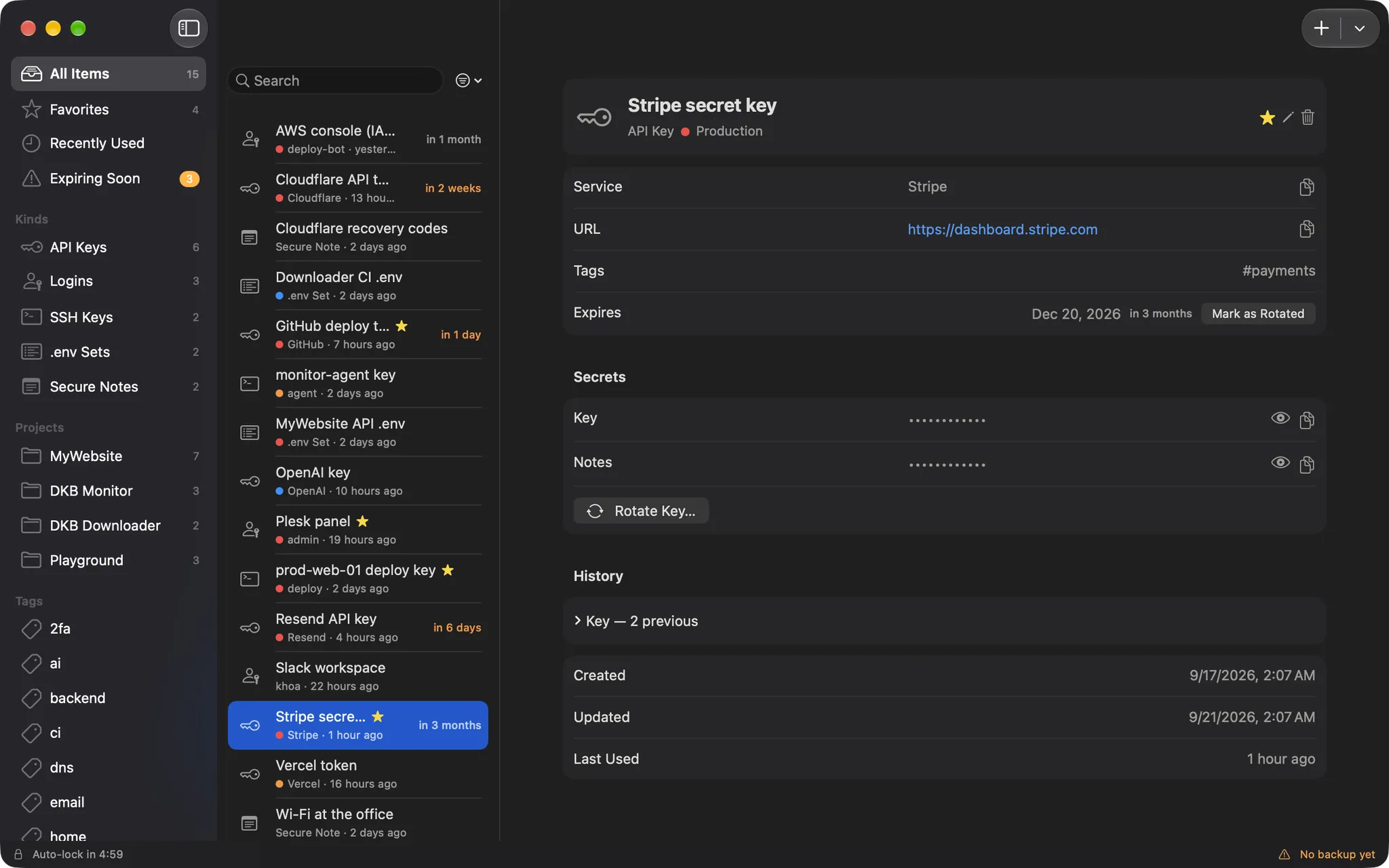
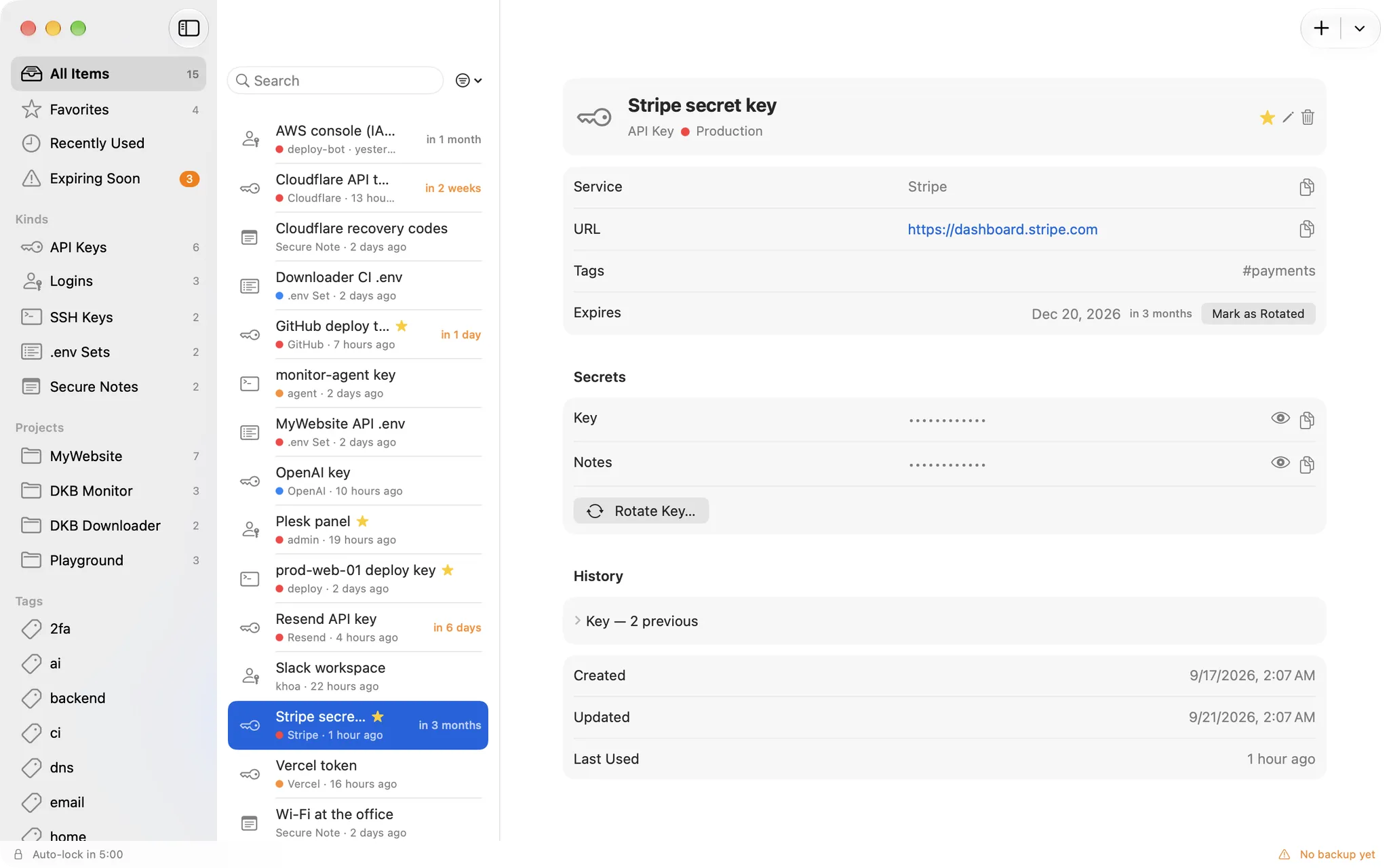
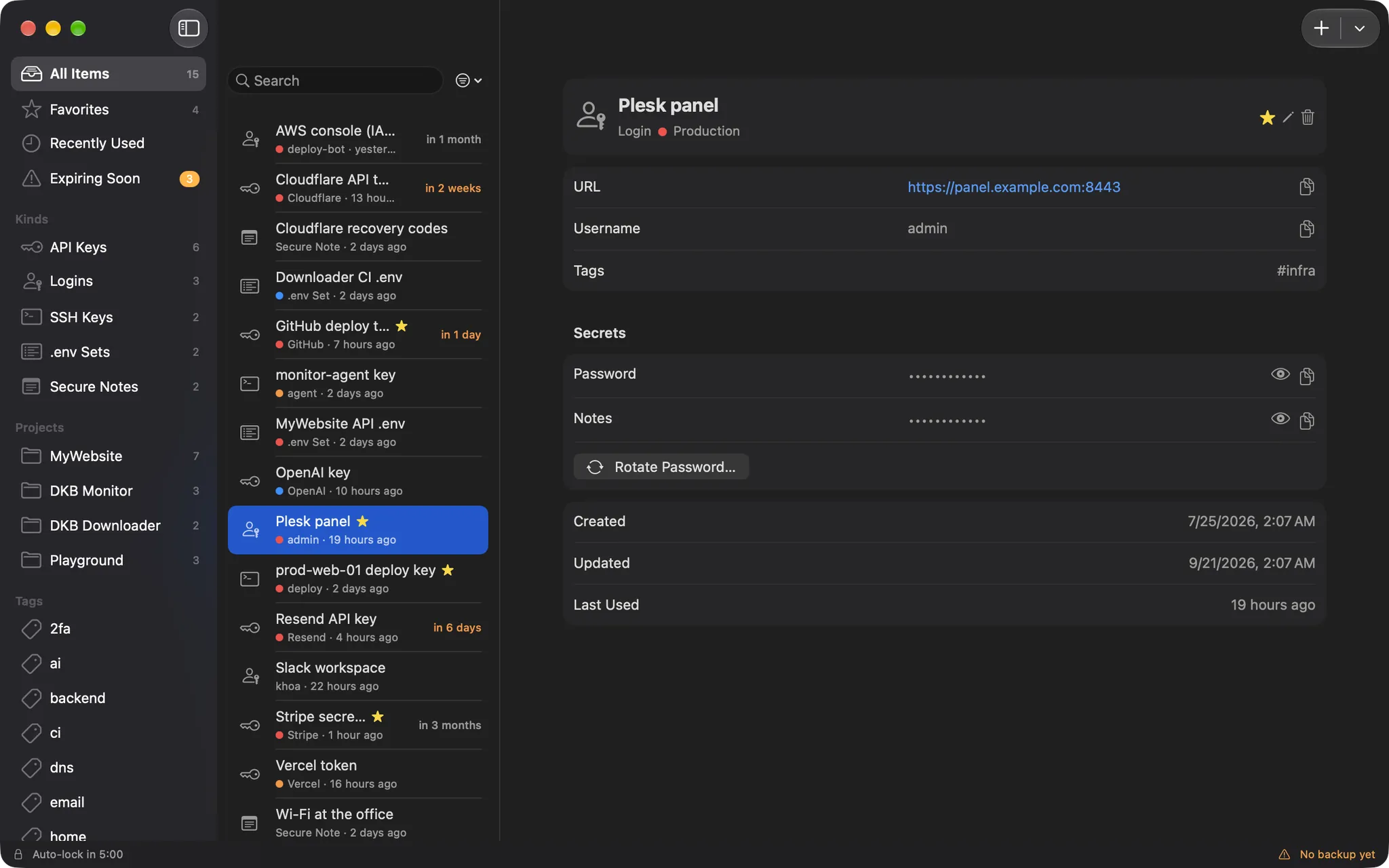
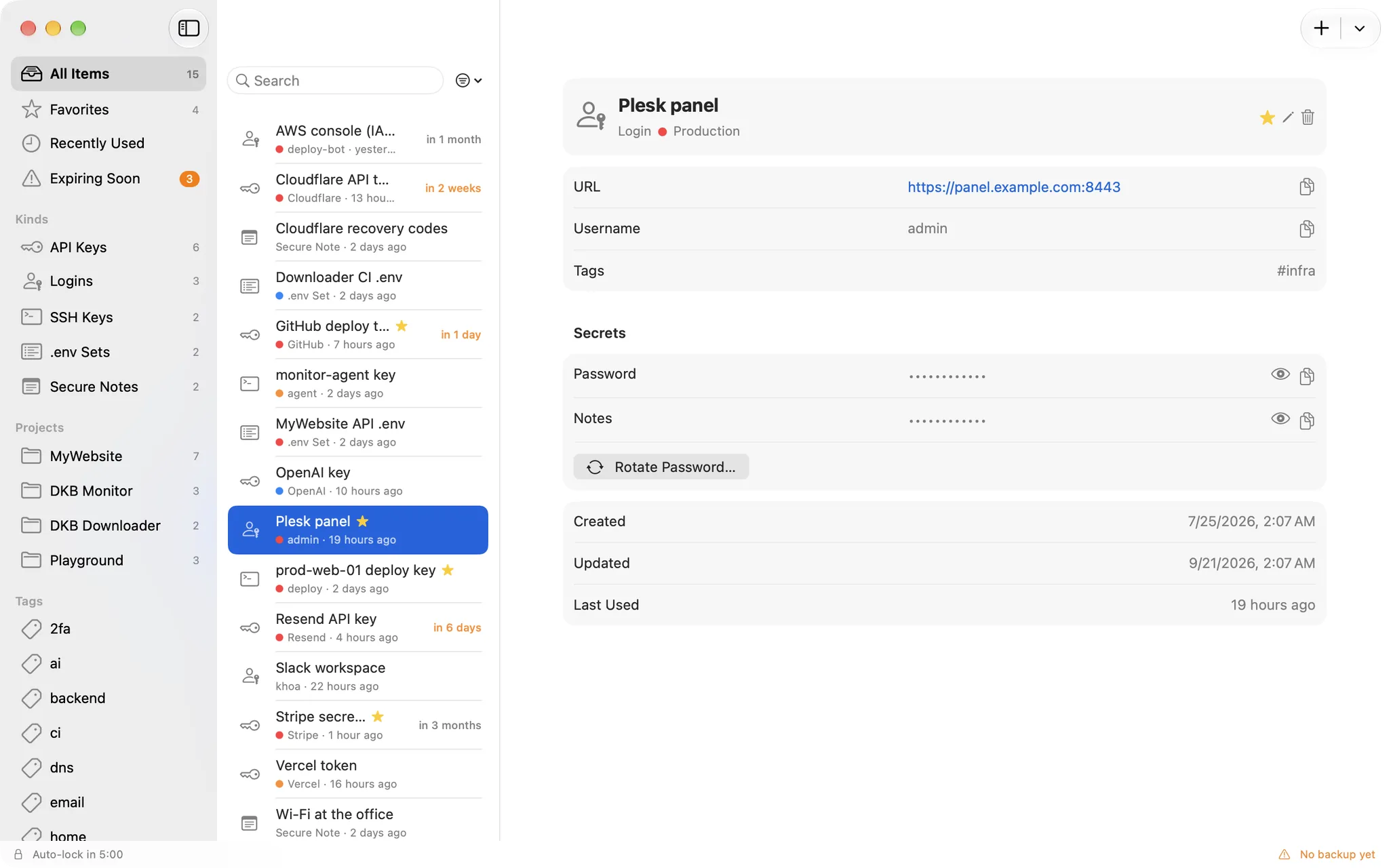
Um cofre local para chaves de API, senhas, chaves SSH, arquivos .env e códigos de recuperação 2FA, selado pelo Secure Enclave e desbloqueado com o Touch ID.
v1.0.3Atualizado em 4 de novembro de 2026macOSGrátis
Um Mac com Secure Enclave: qualquer Mac com Apple silicon ou um Mac Intel com o chip T2 (2018 e posteriores)
KeyCellar é um app para Mac. Abra esta página no seu Mac para baixá-lo.
Instale em 3 passos
Abra KeyCellar-1.0.3.dmg e arraste KeyCellar para a pasta Applications na janela.
Abra KeyCellar. Na primeira vez, o macOS o bloqueia com “O Item KeyCellar Não Foi Aberto”: clique em OK.
Vá em Ajustes do Sistema › Privacidade e Segurança, role para baixo e clique em Abrir Mesmo Assim ao lado do aviso sobre KeyCellar; depois confirme com Abrir Mesmo Assim e sua senha.
Ou, depois do passo 1, execute isto no Terminal em vez dos passos 2 e 3:
Sealed by the Secure Enclave, unlocked with Touch ID
No account, no server, no sync, no network entitlement
Capture-proof windows, concealed clipboard
Os detalhes deste app abaixo estão em inglês.
Reveal and copy
Touch ID stands between you and every value
Values stay masked until you ask. Reveal or copy goes through the Secure Enclave, which itself demands Touch ID or your login password, so the app cannot skip the check even if it wanted to.
Revealed values hide again after 30 seconds
Clipboard cleared after 45 seconds, marked concealed for clipboard managers
One Touch ID can cover reveals for a short window, or none at all
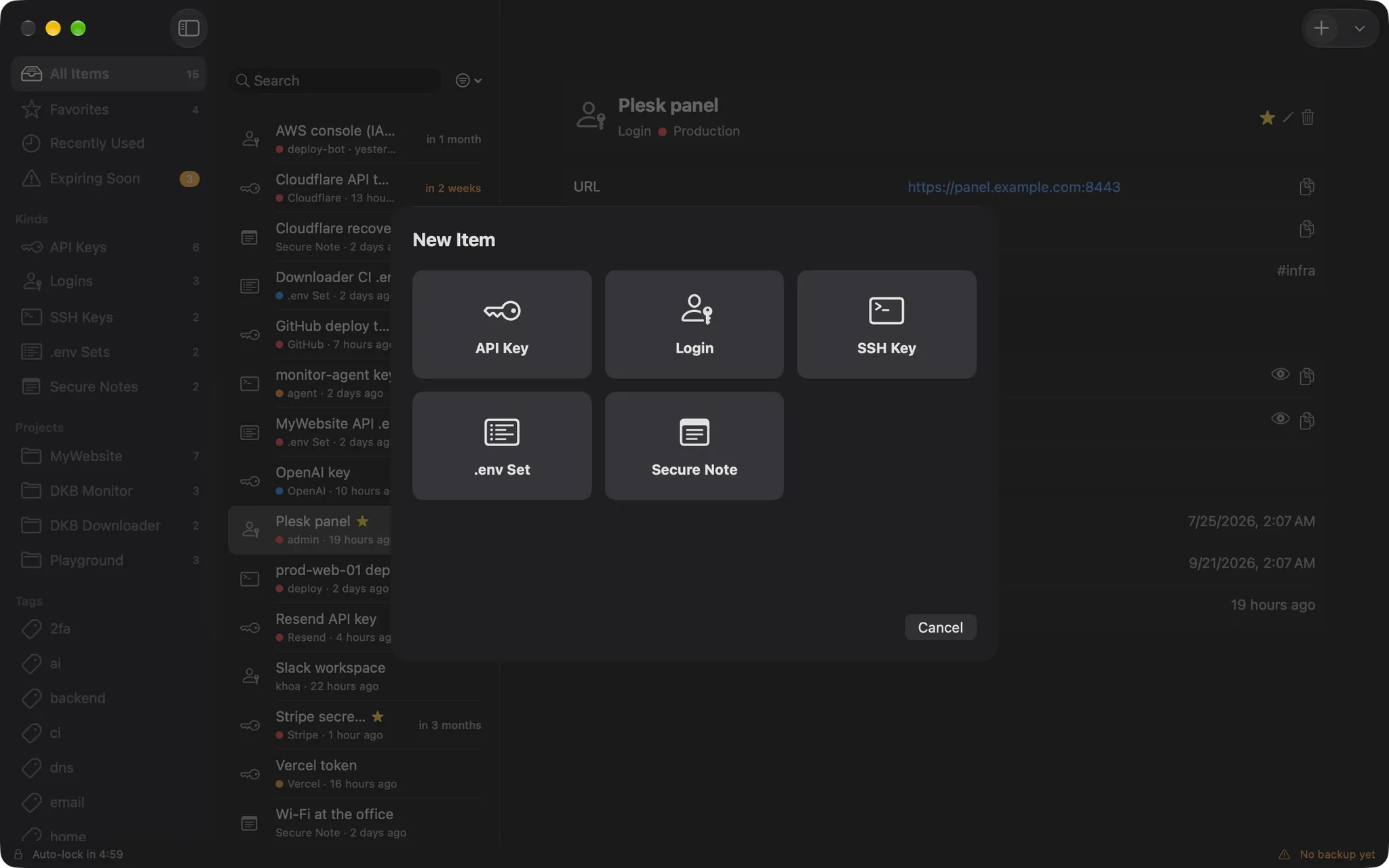
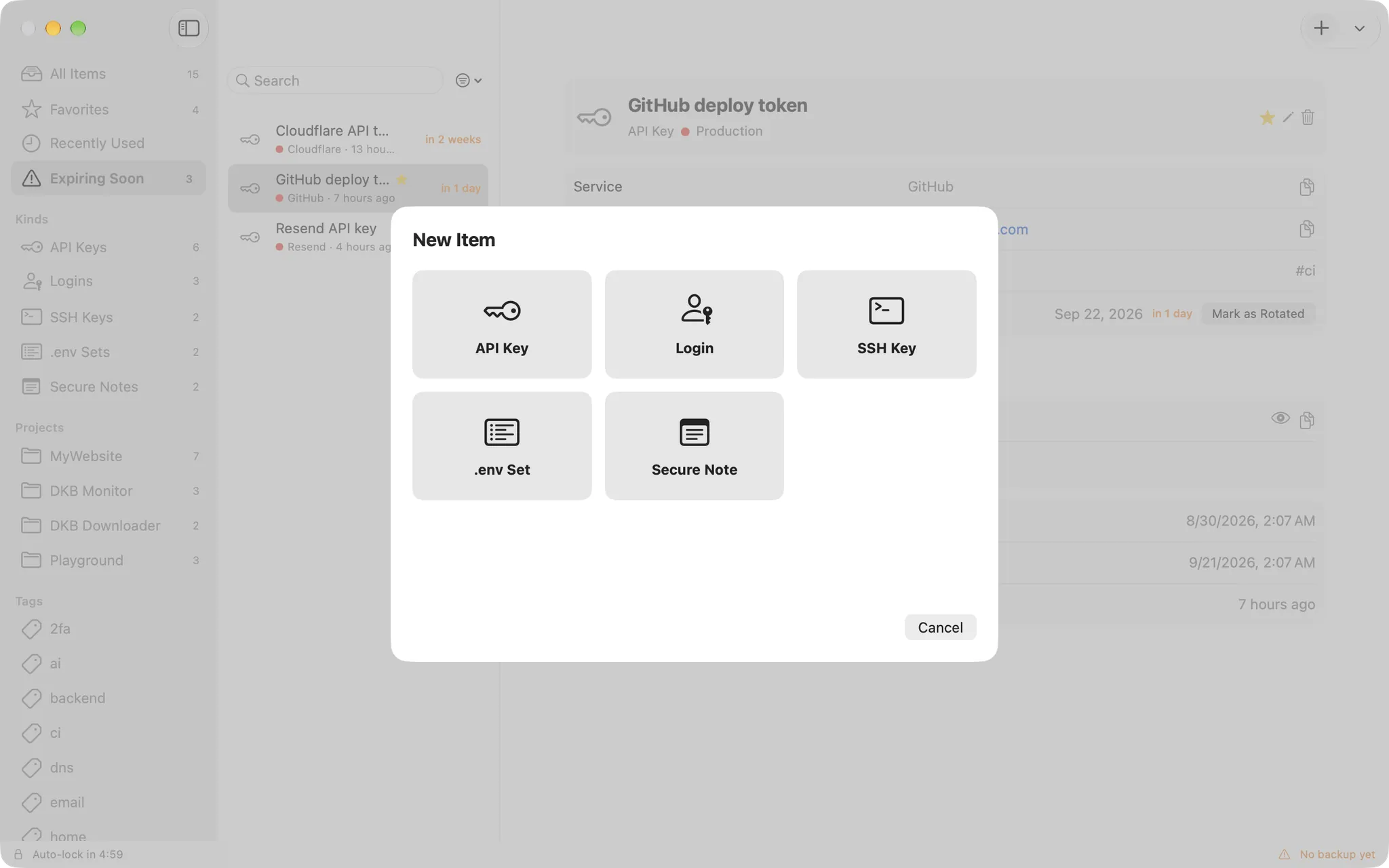
Six kinds
Keys, logins, SSH, .env, notes and recovery codes
Each kind has the fields it needs: service and URL for an API key, host and public key for an SSH key, a body for a note. Group them by project, tag them, star the ones you use most.
Projects, tags, favourites and Recently used
Environments: production, staging, development
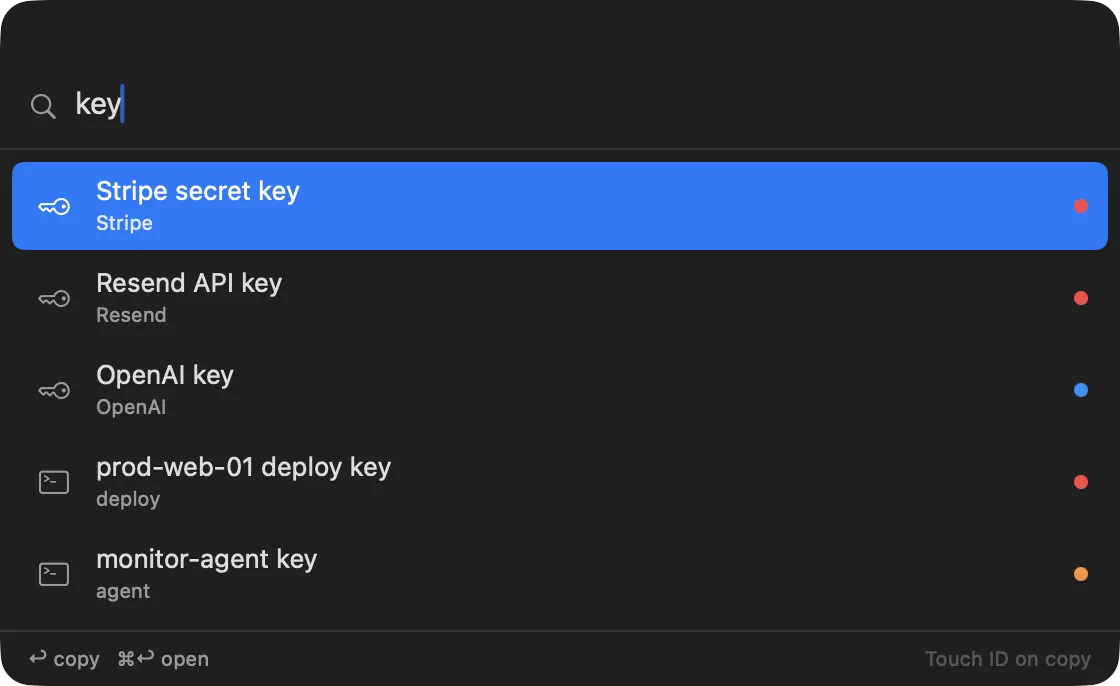
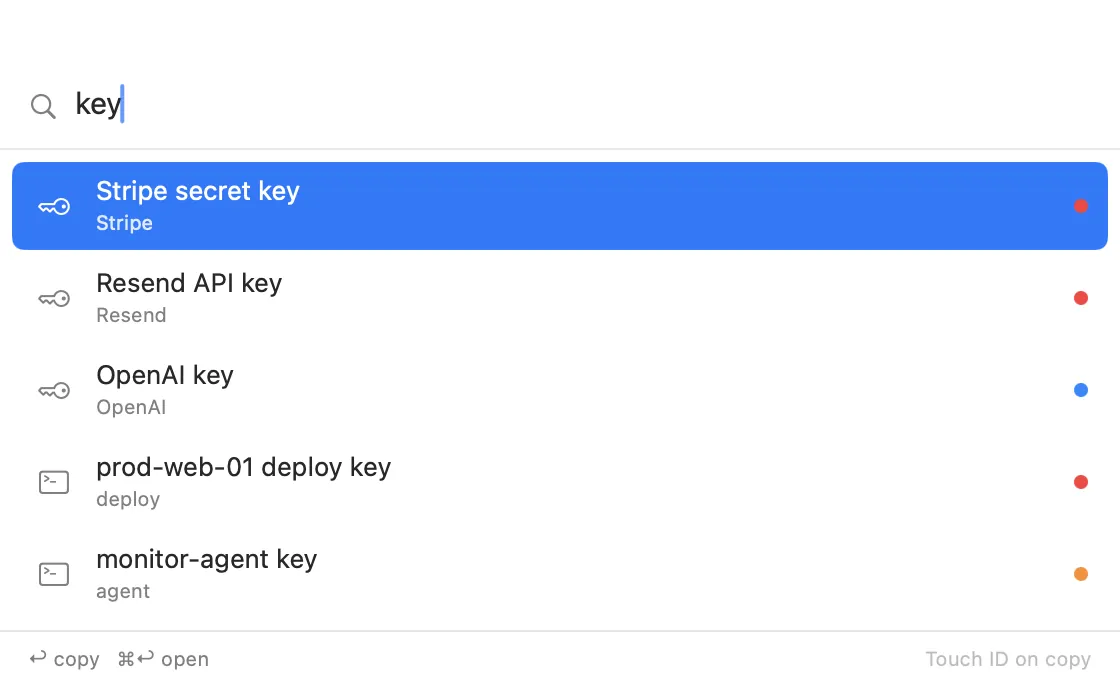
Instant search over titles and metadata, never over values
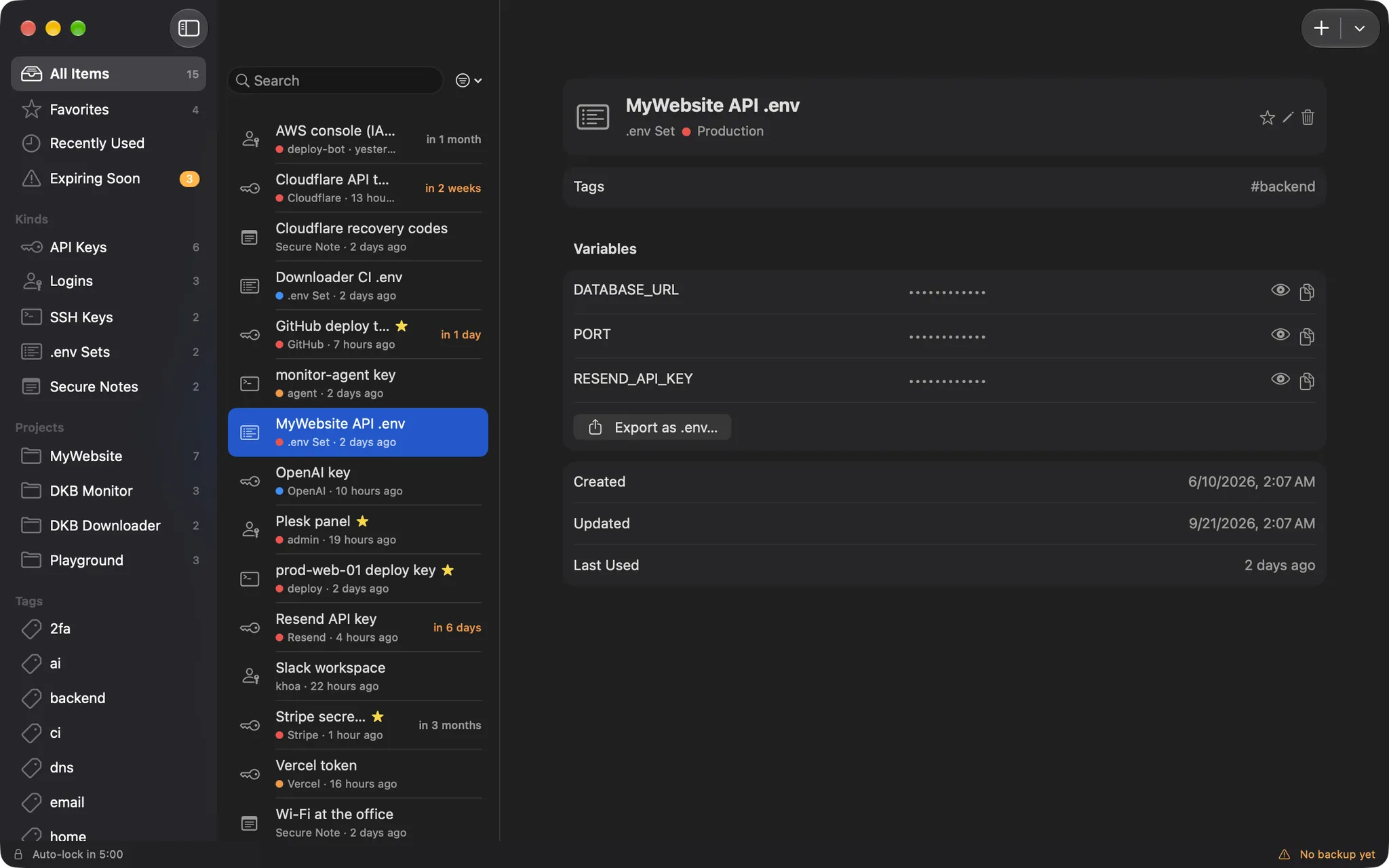
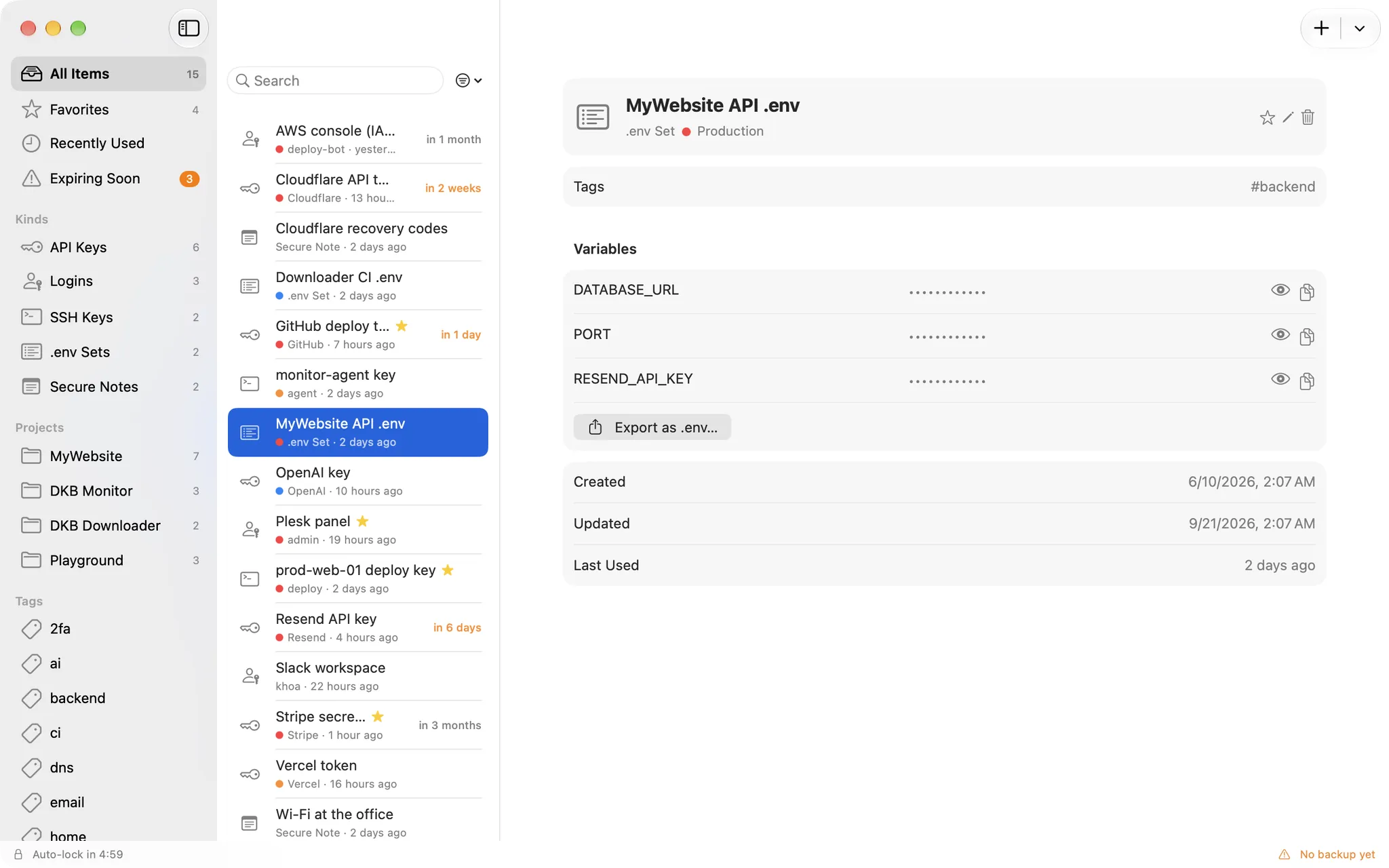
.env sets
A whole .env file as one item
Store every variable of an environment together, copy them one at a time, or export the set as a .env file when a machine needs it. Import works the other way round.
One masked row per variable
Export as .env, import from .env
Per-environment sets: prod, staging, dev
Rotation and expiry
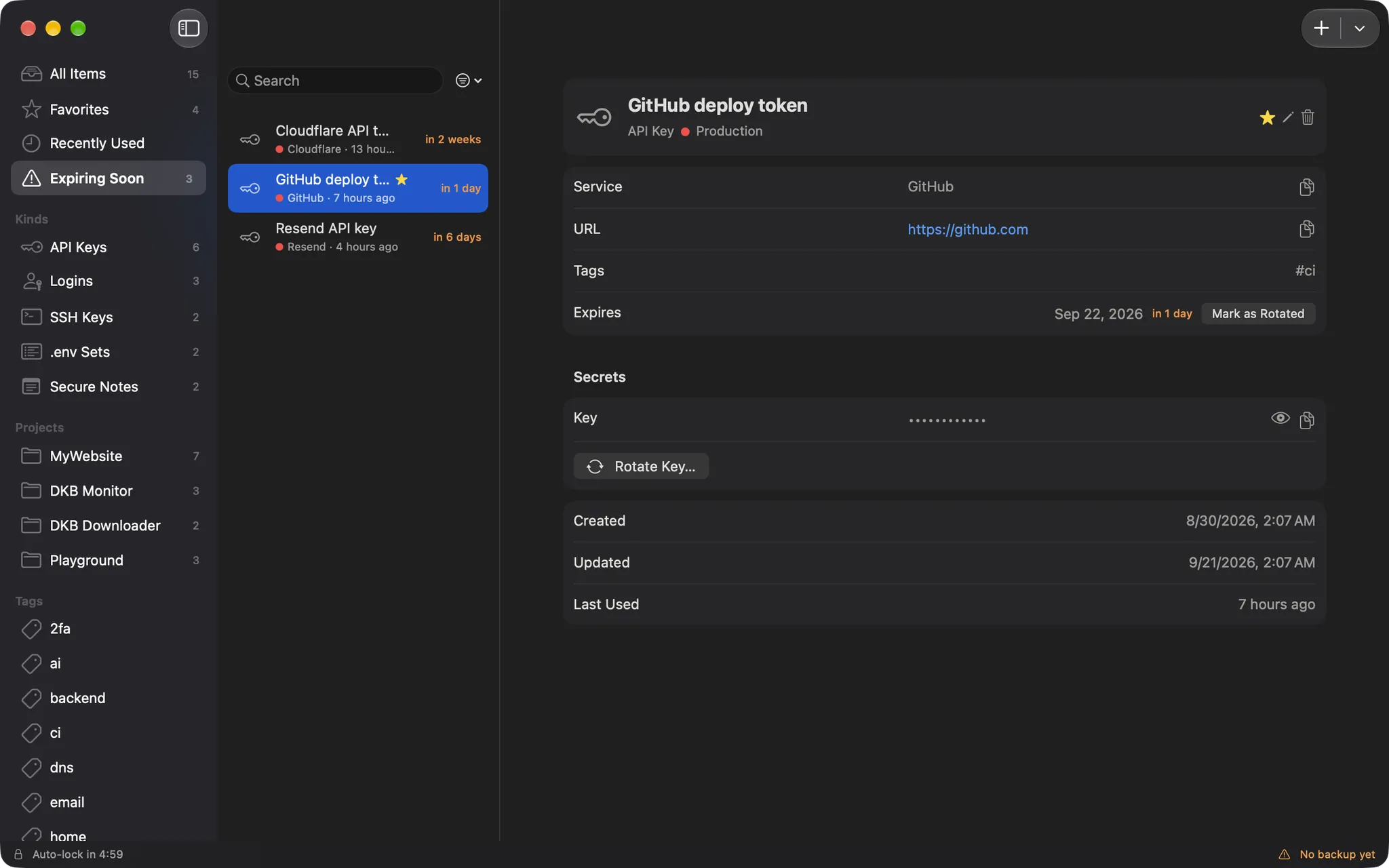
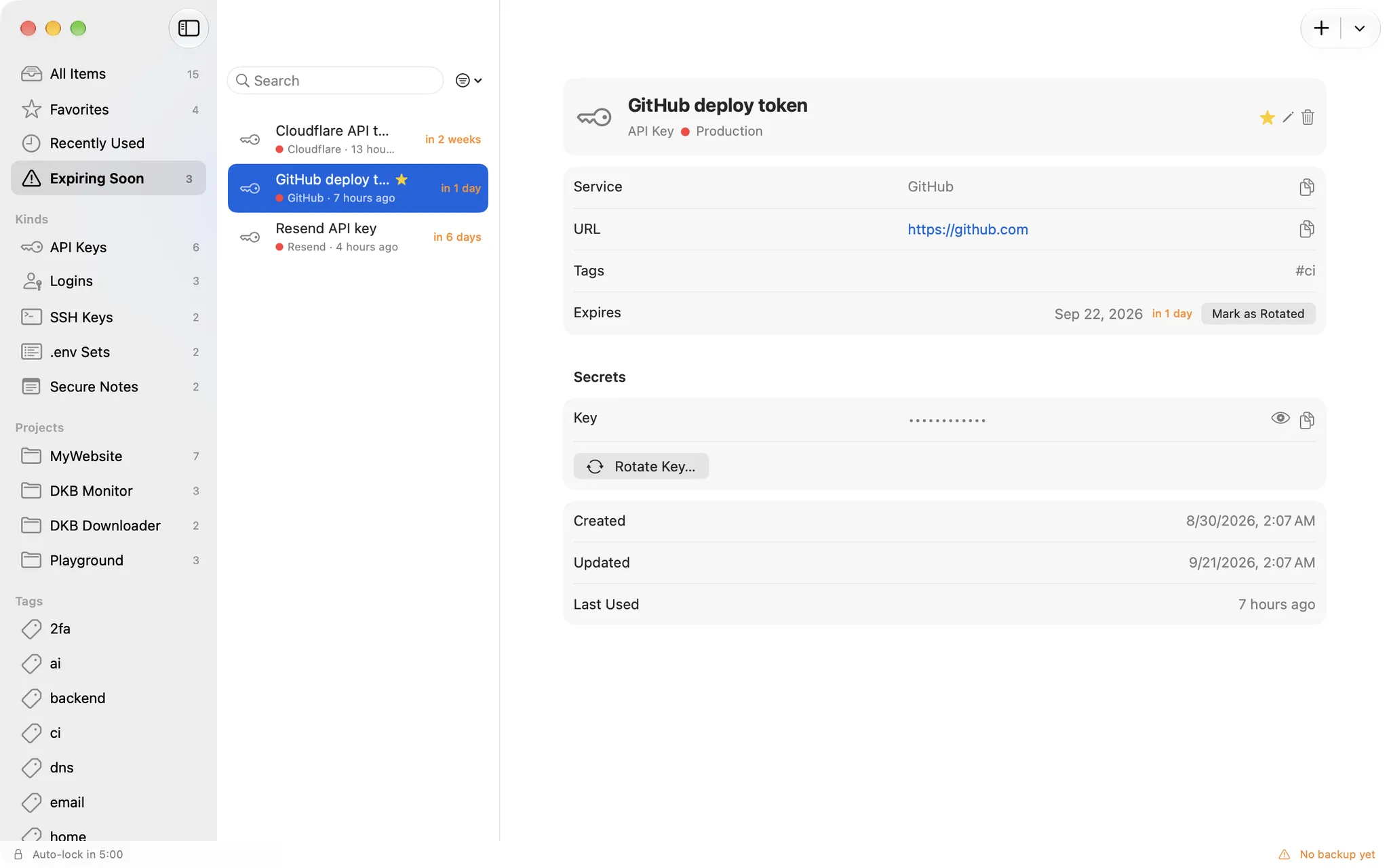
Know what expires before it does
Give a key an expiry date and it shows up in Expiring soon with reminders 14, 7 and 1 day ahead, and on the day. Rotate it in place and the previous values stay in a five-deep history.
Expiring soon list with a badge in the sidebar
Rotate with history, or Mark as rotated
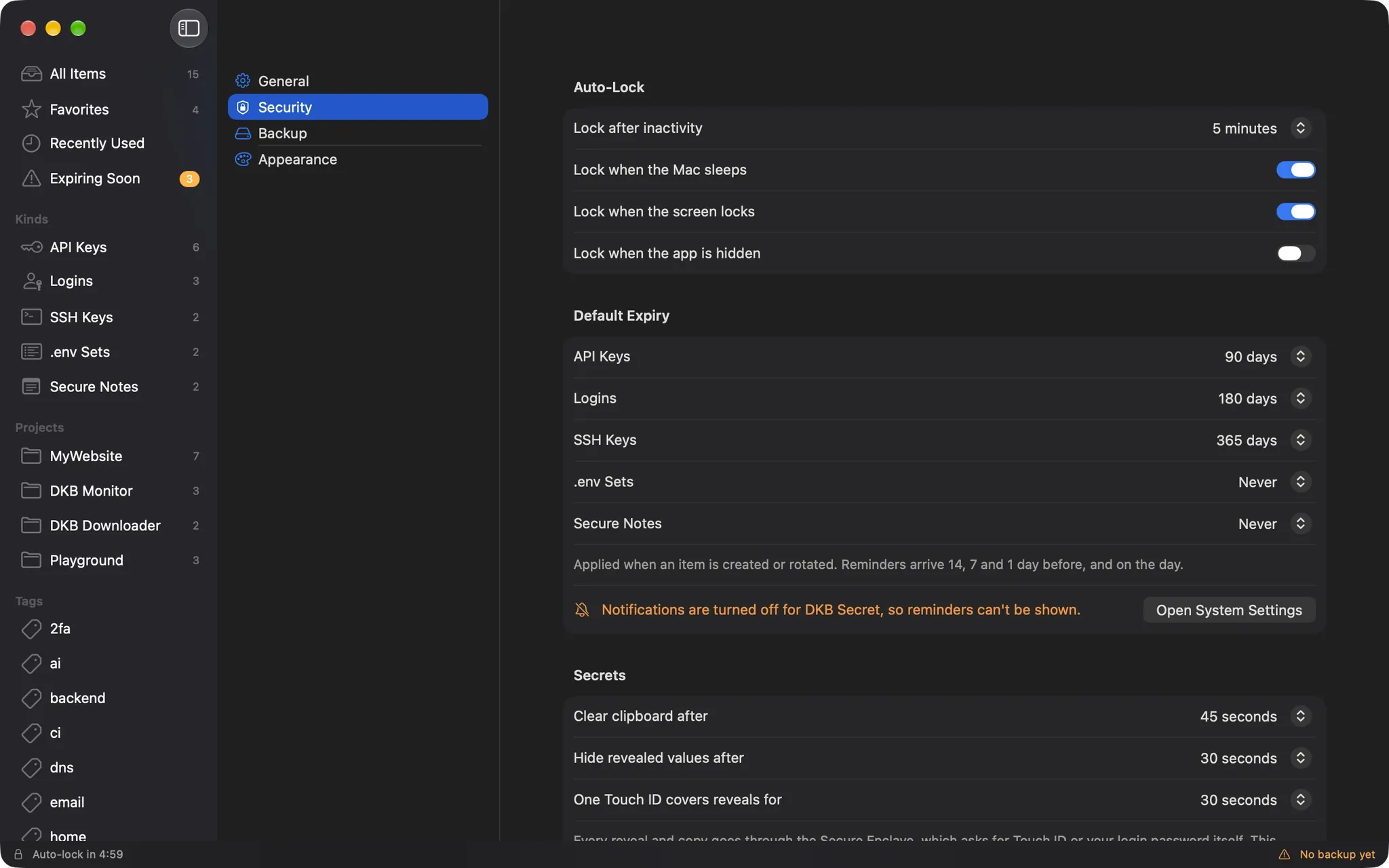
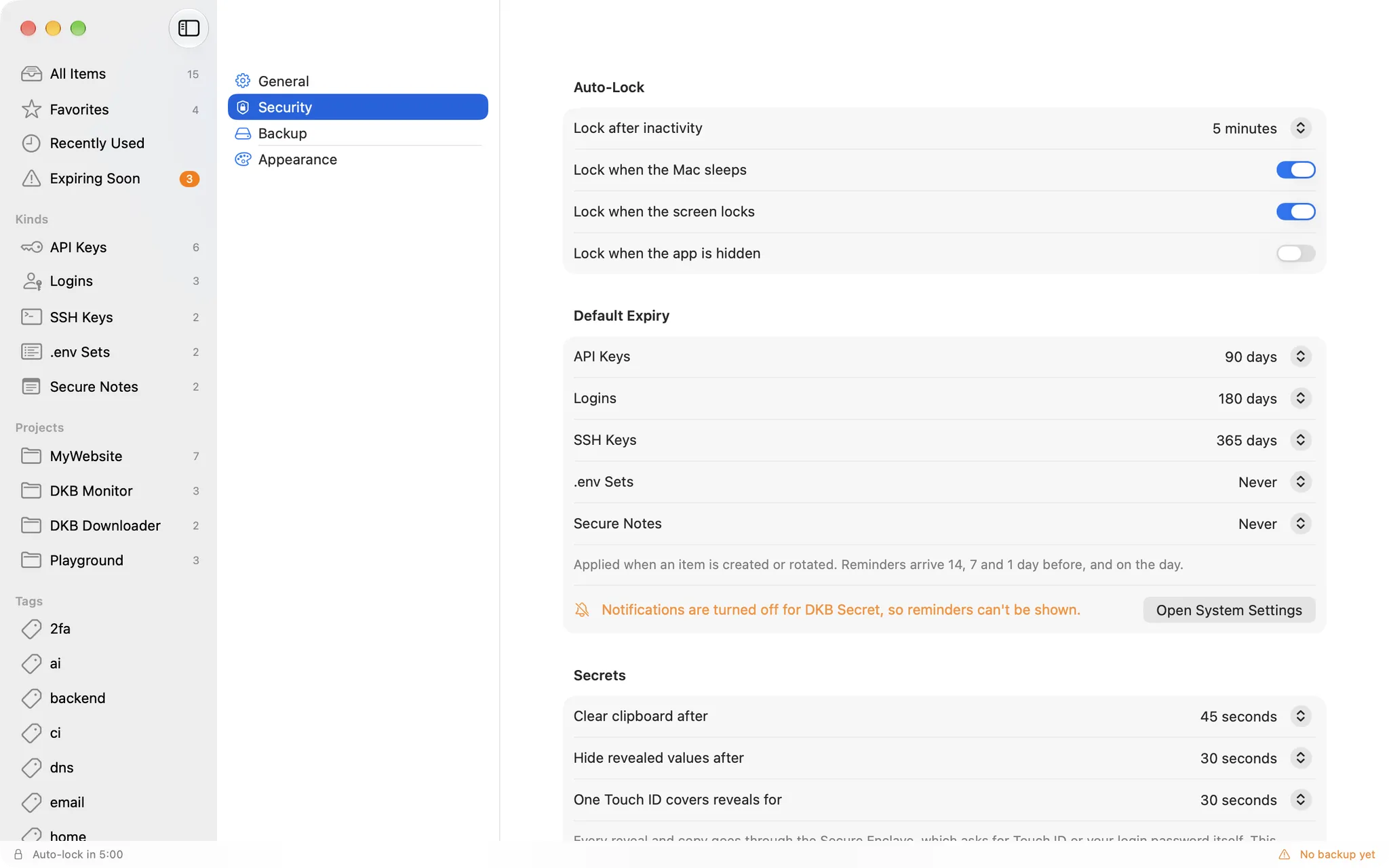
Default expiry per kind, applied on create and rotate
Auto-lock
Locks itself, the way you want
The vault locks after a few minutes idle, when the Mac sleeps, when the screen locks or when the app is hidden. Timers for the clipboard and revealed values are yours to set too.
Idle, sleep, screen lock and hide, each its own switch
Clipboard and reveal timers in seconds
Touch ID prompt as soon as the window or the menu bar panel opens
Backups
Encrypted backups you actually own
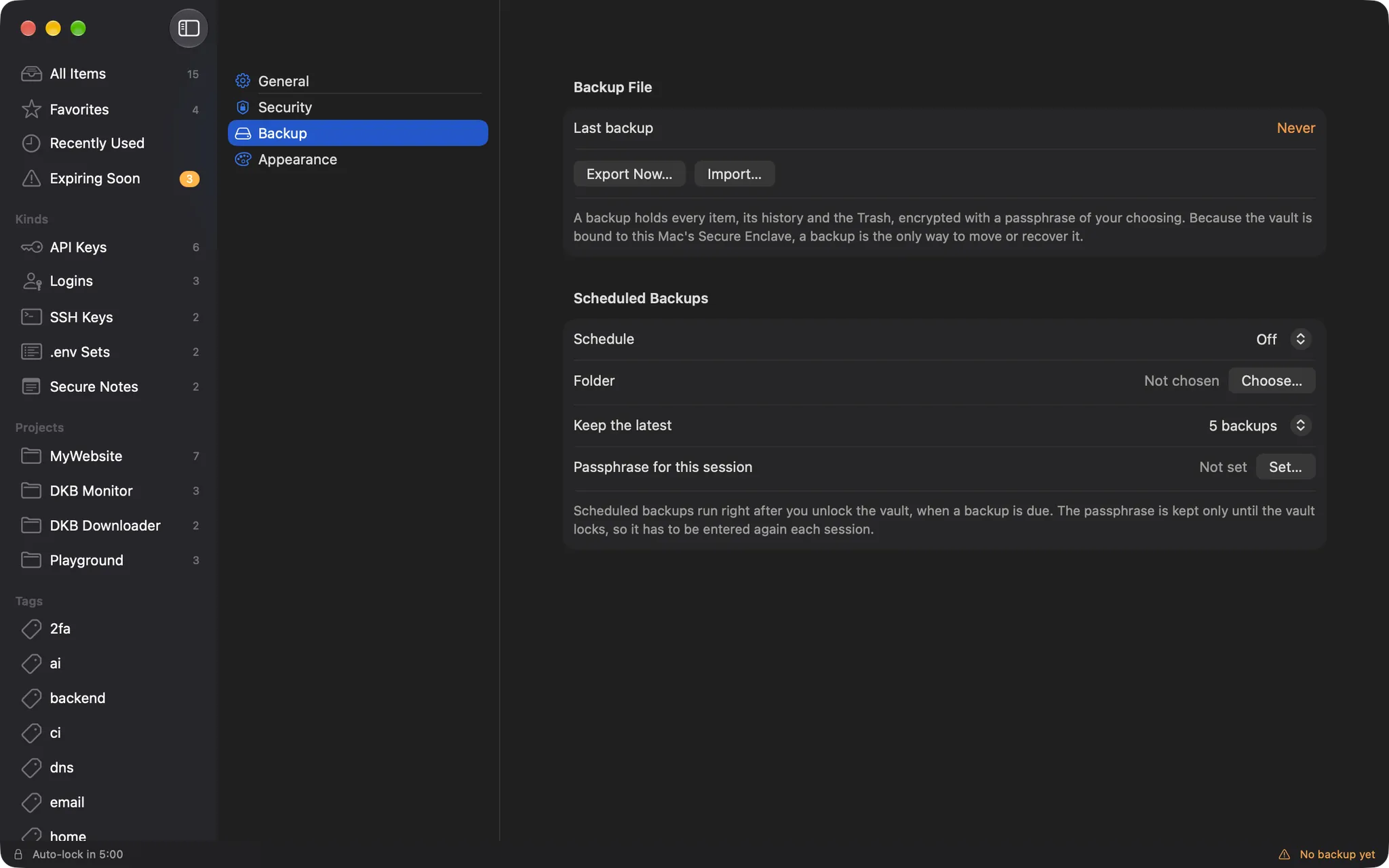
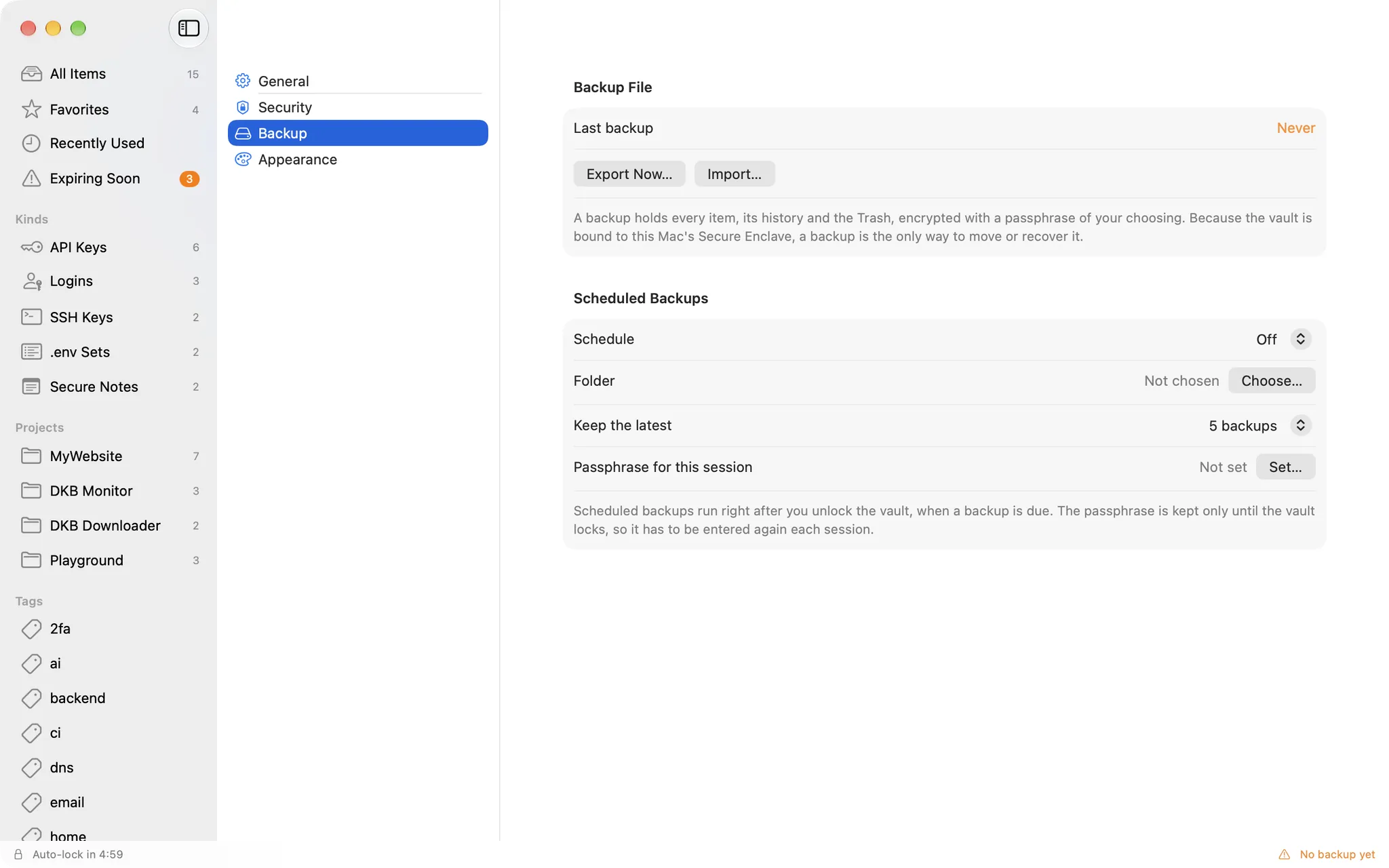
Because the vault is bound to this Mac's Secure Enclave, a backup is the only way to move or recover it. Export a .dkbsecret file protected by a passphrase, or let the app write one on a schedule.
PBKDF2 600k rounds, AES-256-GCM
Import by merge or replace
Scheduled backups to a folder of your choice, keeping the latest few
Also in the box
Sandboxed, no network entitlement: nothing can be sent anywhere
Every window is capture-proof: screenshots and screen sharing show nothing
Password generator for new logins
Trash with restore, and item history
No auto-update by design: new versions are downloaded from this page
Universal binary, English and Vietnamese, light and dark
Sobre
KeyCellar is a native macOS vault for the secrets developers juggle every day: API keys and tokens, logins, SSH keys, whole .env sets, secure notes and 2FA recovery codes. One user, one Mac. No account, no server, no sync, and no network access at all. It is free and open source under the MIT license.
How your secrets are protected
The vault's master key is generated inside the Secure Enclave and never leaves the chip. Every secret is encrypted with CryptoKit HPKE to that key, so revealing or copying a value goes through the Secure Enclave and requires Touch ID or your login password
Opening the app, or its menu bar panel, asks for Touch ID right away, the way Apple's Passwords app does
Sandboxed with no network entitlement: nothing can be sent anywhere. Check it yourself with codesign -d --entitlements - /Applications/KeyCellar.app, which lists only the sandbox and access to files you pick
Every window is hidden from screenshots and screen sharing, copied values are marked concealed and cleared from the clipboard on a timer, and revealed values hide again automatically
The threat model and a security audit of the shipped build are published with the source code
Key features
Six kinds of items: API keys, logins, SSH keys, .env sets, secure notes and 2FA recovery codes, organised by projects, tags, favourites and environments (dev, staging, prod), with instant search over metadata that never needs Touch ID
Reveal and copy through Touch ID; values hidden after 30 seconds and the clipboard cleared after 45 seconds (both configurable)
Recovery codes: copy the next unused one, tick codes off without Touch ID and see how many are left
Rotation with a five-deep history, expiry dates and reminders 14, 7, 1 and 0 days ahead
Auto-lock on idle, sleep, screen lock or when the app is hidden
Menu bar quick search and a global shortcut (Option+Command+S by default) that works from any app
Encrypted, passphrase-protected backups (PBKDF2 with 600,000 iterations, then AES-256-GCM), import by merge or replace, scheduled backups to a folder of your choice; .env import and export
English and Vietnamese, light and dark appearance
Requirements
macOS 14 (Sonoma) or later
A Mac with a Secure Enclave: any Apple silicon Mac, or an Intel Mac with the T2 chip (2018 and later). Universal binary for Apple silicon and Intel
Good to know
Your vault is bound to this Mac's Secure Enclave. To move it to another Mac, export an encrypted backup and import it there. That is the only migration path, so keep a backup
The app is signed with a local certificate, not notarized by Apple. On first launch macOS will block it: open System Settings, Privacy & Security, click "Open Anyway" and confirm
On the first launch of each new version macOS asks once for your login password so the app can reach its vault key. Click "Always Allow"
With no network access, KeyCellar never checks for updates: download new versions from this page
KeyCellar was called DKB Secret up to version 1.0.1. It opens the same vault, settings and backups (.dkbsecret); once it is installed, move DKB Secret to the Trash
Histórico de versões
Apenas a versão mais recente está disponível para download. As versões anteriores são listadas apenas para referência.
v1.0.3Mais recente
Fixed
After you close the main window, opening the menu bar panel no longer brings the window back
On first launch of the new version macOS asks once for your login password so KeyCellar can reach its vault key. Click "Always Allow"
v1.0.2
Changed
DKB Secret is now KeyCellar, and it is open source under the MIT license: github.com/dangkhoabach/KeyCellar
KeyCellar opens the same vault, settings and backups. Drag it to Applications, then move DKB Secret to the Trash: the vault stays where it is
On first launch macOS asks once for your login password so KeyCellar can reach its vault key. Click "Always Allow"
v1.0.1
What's new
Recovery codes: keep the backup codes you get when you turn on two-factor authentication (Google, GitHub, Microsoft, Discord and others) in your vault, and use them one at a time when you lose your phone
Add a set by pasting it, choosing the .txt file the service gave you, dropping that file on the window, or pressing ⌘⇧N with the codes on the clipboard. Headings, numbering and two-column layouts are handled, and the account email in a Google file is filled in for you
Each code has its own row. Copying a code marks it as used, and a checkbox lets you correct that
⌘C, or Enter in Quick Search, copies the next unused code. The whole set is never put on the clipboard
See how many codes are left at a glance: the count turns orange when two or fewer remain and red when none are left
Replace Codes… swaps in a new set when you generate one, and Export as .txt… saves a copy to print
Codes are encrypted like every other secret, and revealing or copying them needs Touch ID. Ticking a code as used does not
Note: a backup made with 1.0.1 that contains recovery codes cannot be restored into 1.0.0. Update every Mac to 1.0.1 before moving backups between them.
v1.0.0
First public release.
What's new
Local vault for API keys, logins, SSH keys, .env sets and secure notes, encrypted with the Secure Enclave and unlocked with Touch ID
Touch ID is requested as soon as the app or its menu bar panel opens
Projects, tags, favourites, environments and instant search
Rotation history, expiry dates and reminders
Auto-lock, capture-proof windows, concealed clipboard with auto-clear
Menu bar quick search and a global shortcut (Option+Command+S)
Encrypted .dkbsecret backups, scheduled backups, .env import and export
Universal binary for Apple silicon and Intel Macs; English and Vietnamese
Requires macOS 14 or later and a Mac with a Secure Enclave (Apple silicon, or Intel with the T2 chip). On first launch, allow the app in System Settings, Privacy & Security, Open Anyway.
 KeyCellar