Apps に戻る

macOS menu bar app

DKB Clamshell

An iPhone Duo-style fold transition for your MacBook — the screen folds away with the lid, driven by the real hinge angle.

v1.0.22026年9月21日 更新macOS無料

  • Driven by the real hinge angle, 60 fps
  • Slow close, normal close or a slam all look right
  • Comes back when you open the lid

Frame by frame

One close, four moments

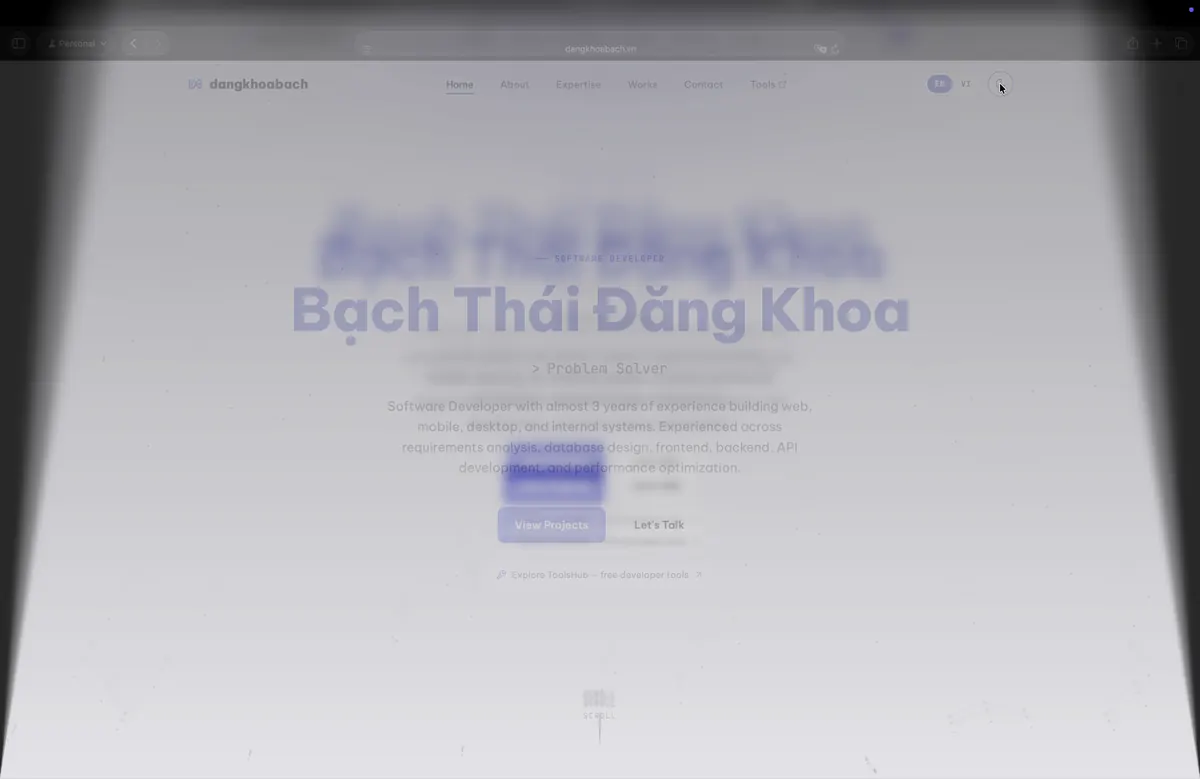
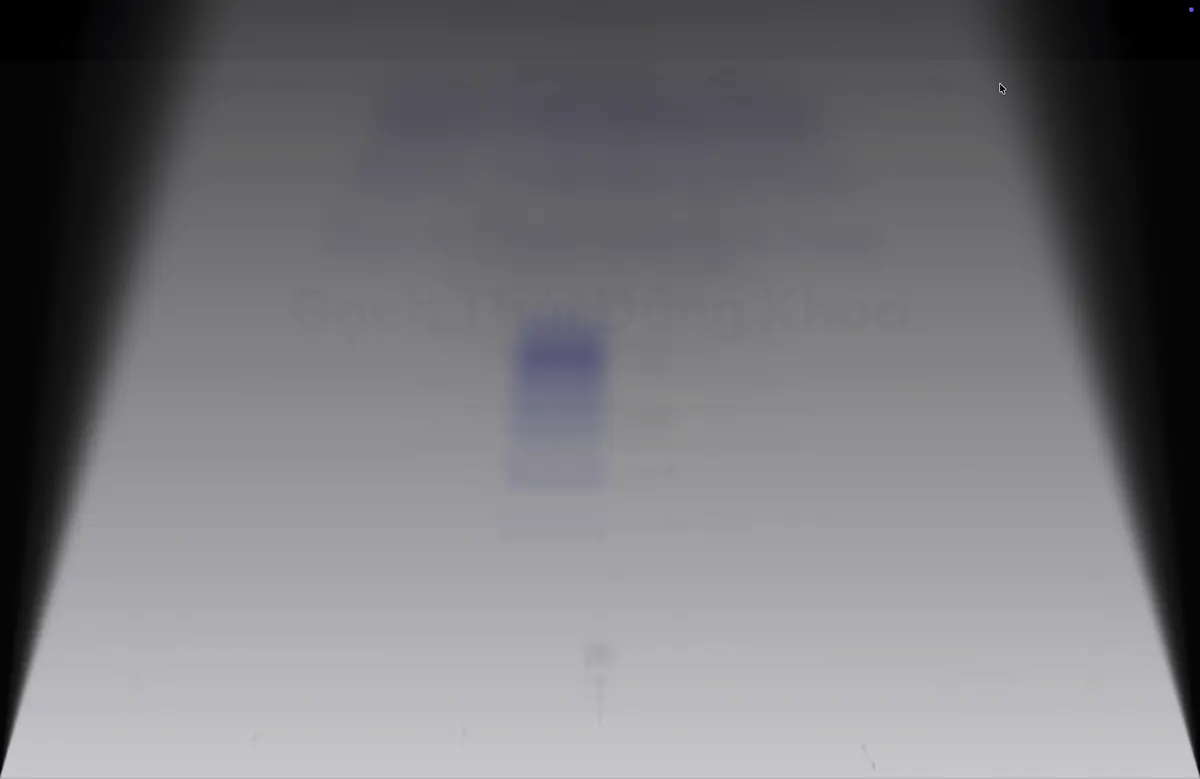
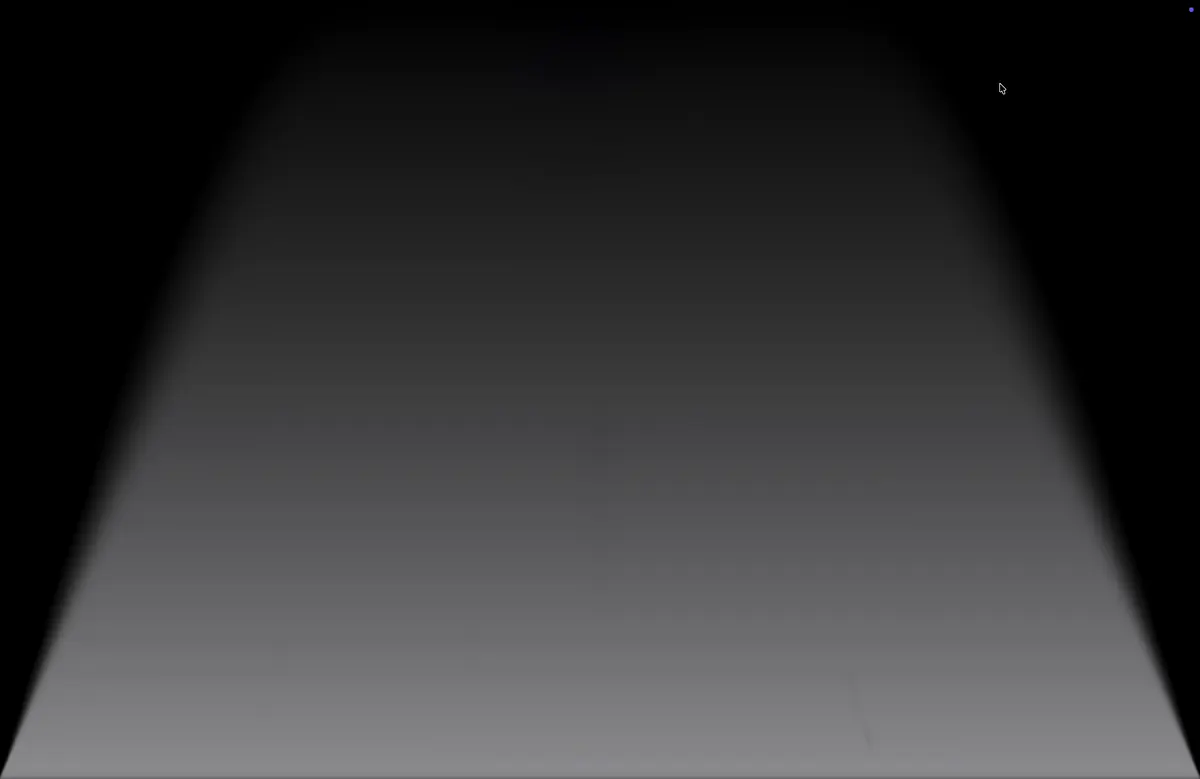
Captured from the app with the preview driven instead of the lid. The far edge stretches and narrows, blur and shade spread from the hinge, and the last degrees fade to black.

  • The content stays where it was, only the panel moves
  • Blur and darkness graded by distance from the hinge
  • Complete at the angle you choose, 25° by default
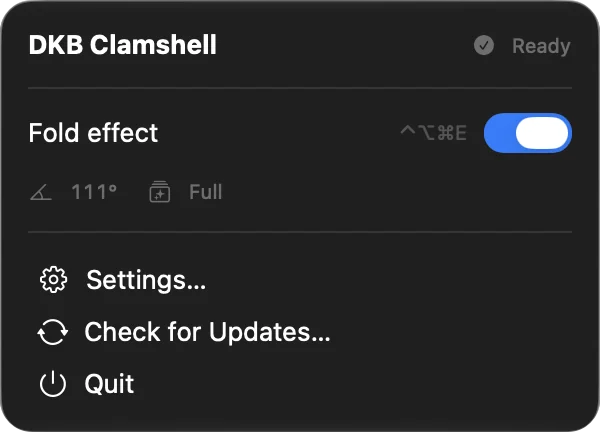
  1. DKB Clamshell: Lid at restLid at rest
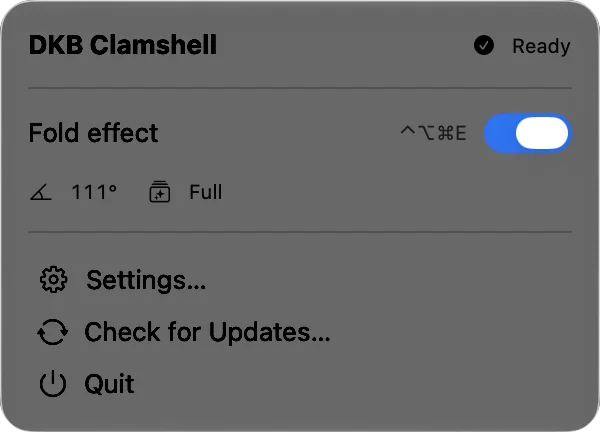
  2. DKB Clamshell: Blur begins, panel tiltsBlur begins, panel tilts
  3. DKB Clamshell: Folding underFolding under
  4. DKB Clamshell: Fade to blackFade to black

Two renderers

Full or Lite, tuned to taste

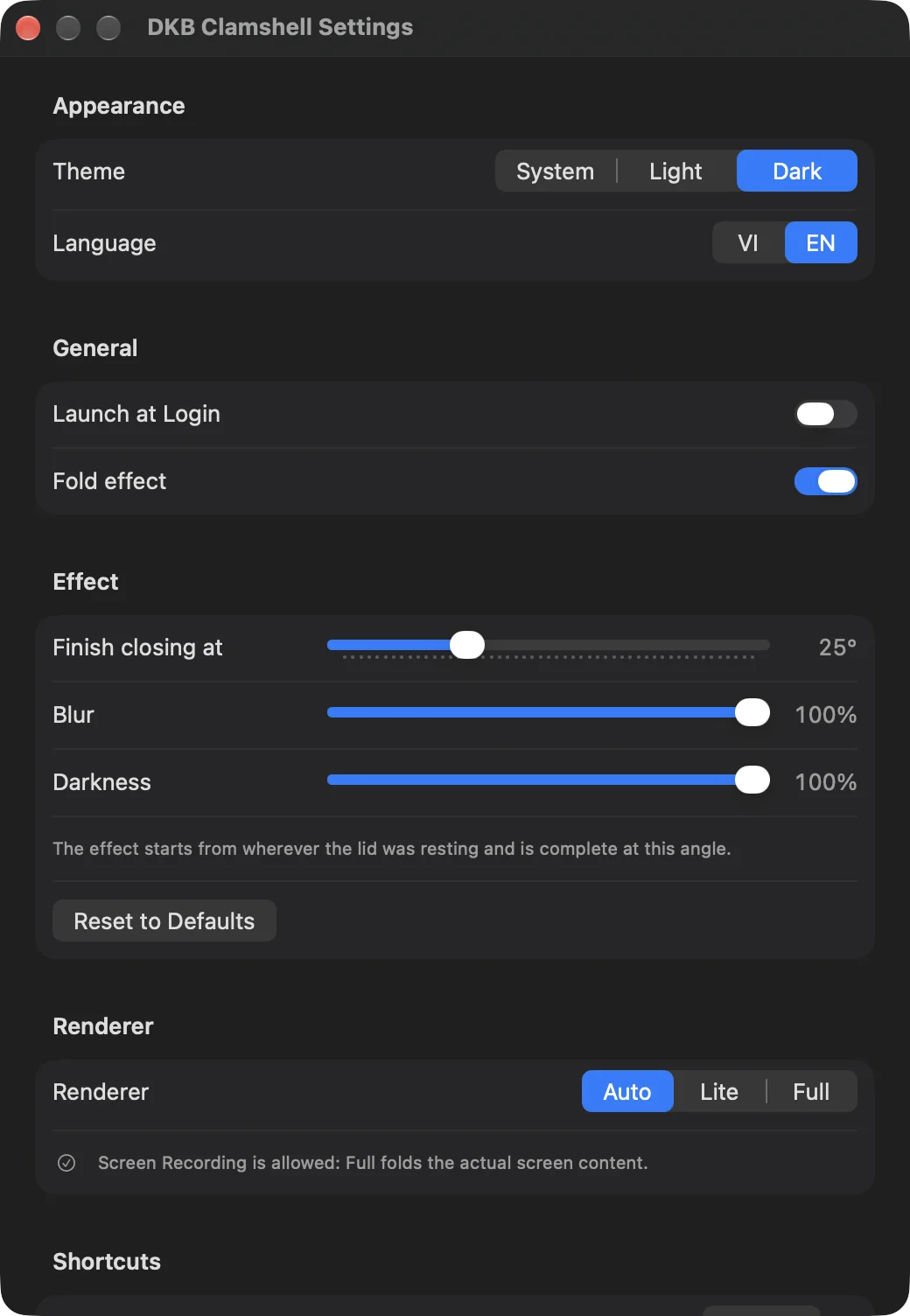
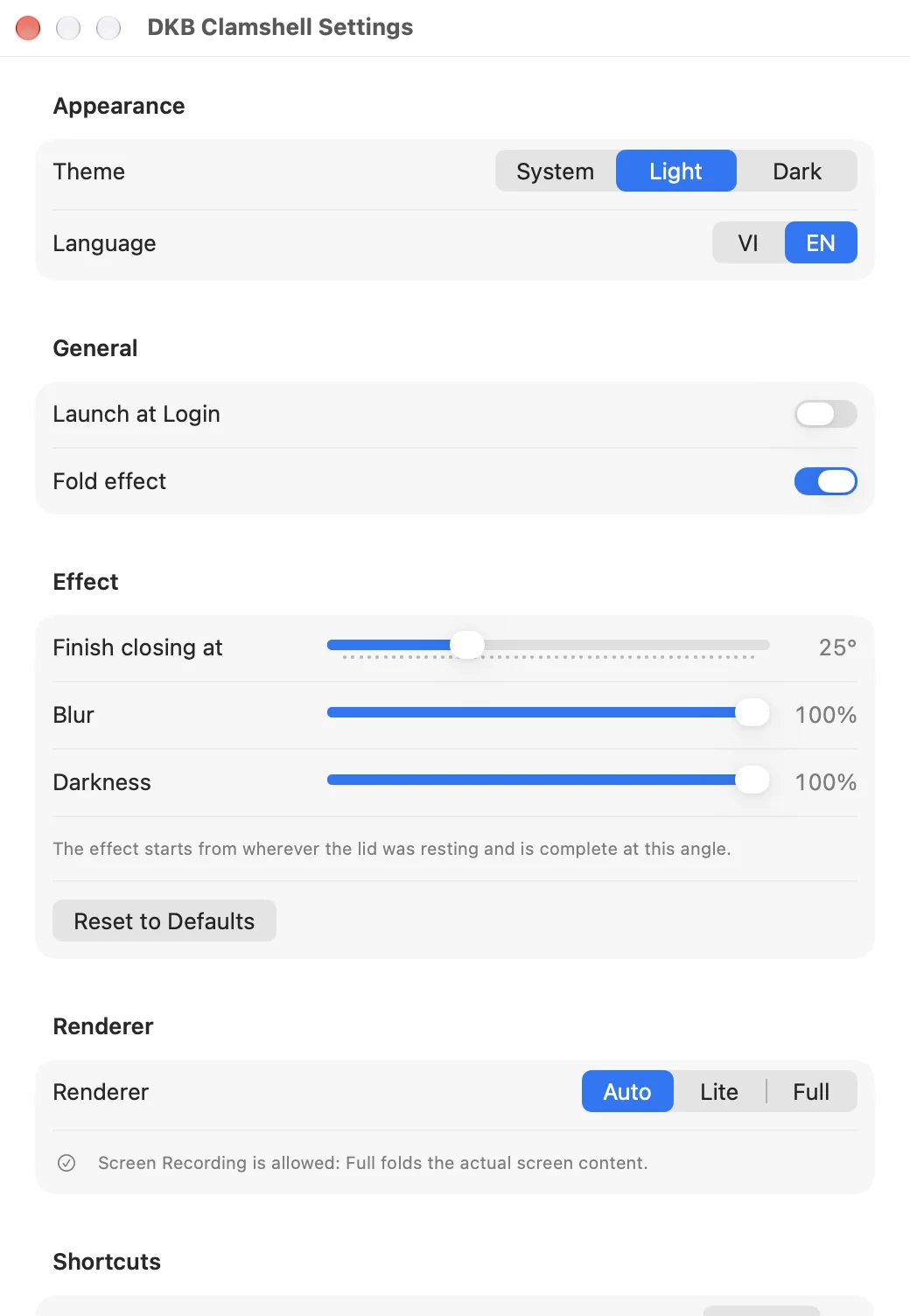
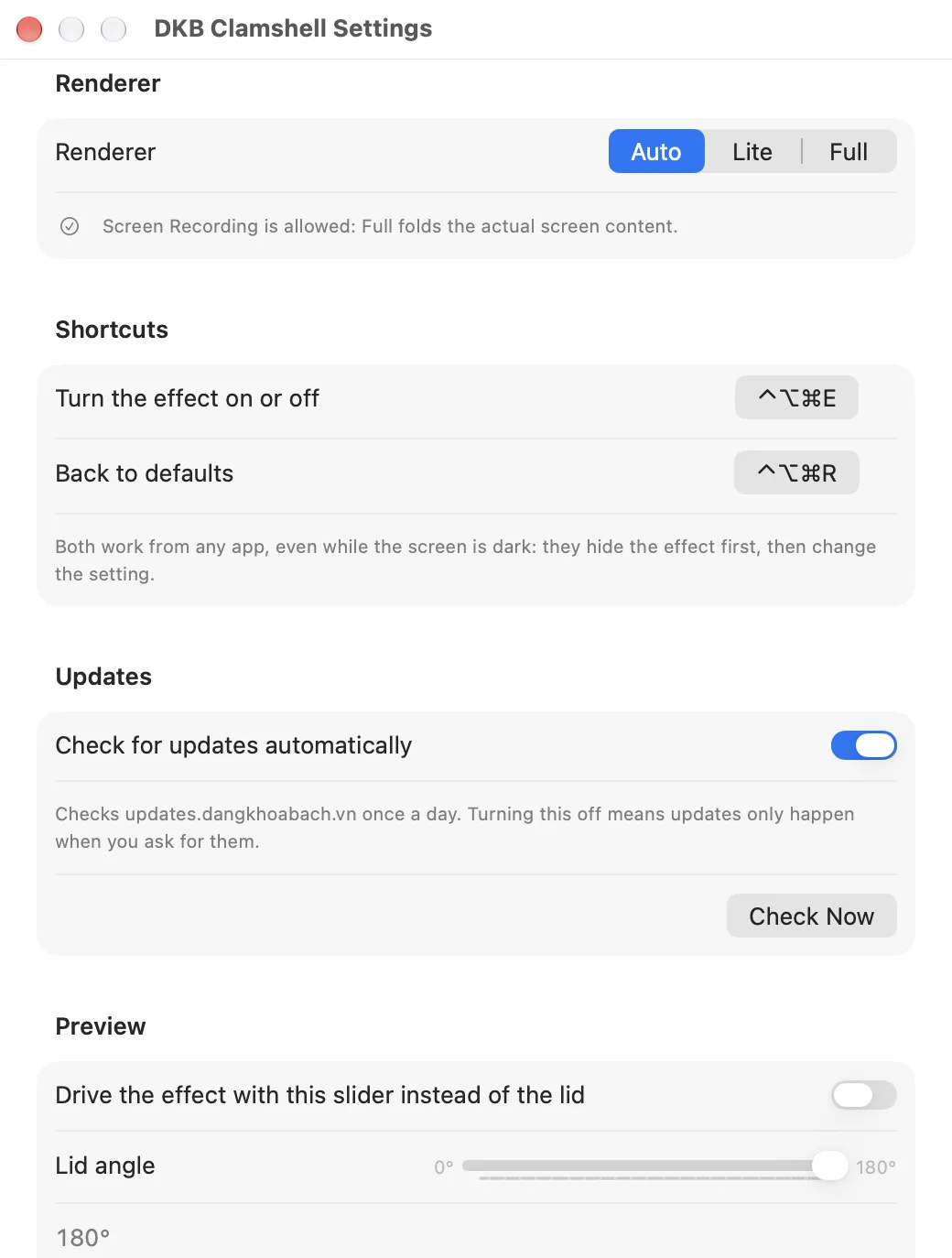
Full folds the actual screen content and needs the Screen Recording permission, which macOS re-confirms now and then. Lite uses the system blur and works without any permission. Auto picks for you.

  • Finish angle, blur strength and darkness as sliders
  • Reset to defaults in one click
  • Light, dark or system appearance, English and Vietnamese
DKB Clamshell: Full or Lite, tuned to tasteDKB Clamshell: Full or Lite, tuned to taste

Escape hatches

Turn it off from anywhere

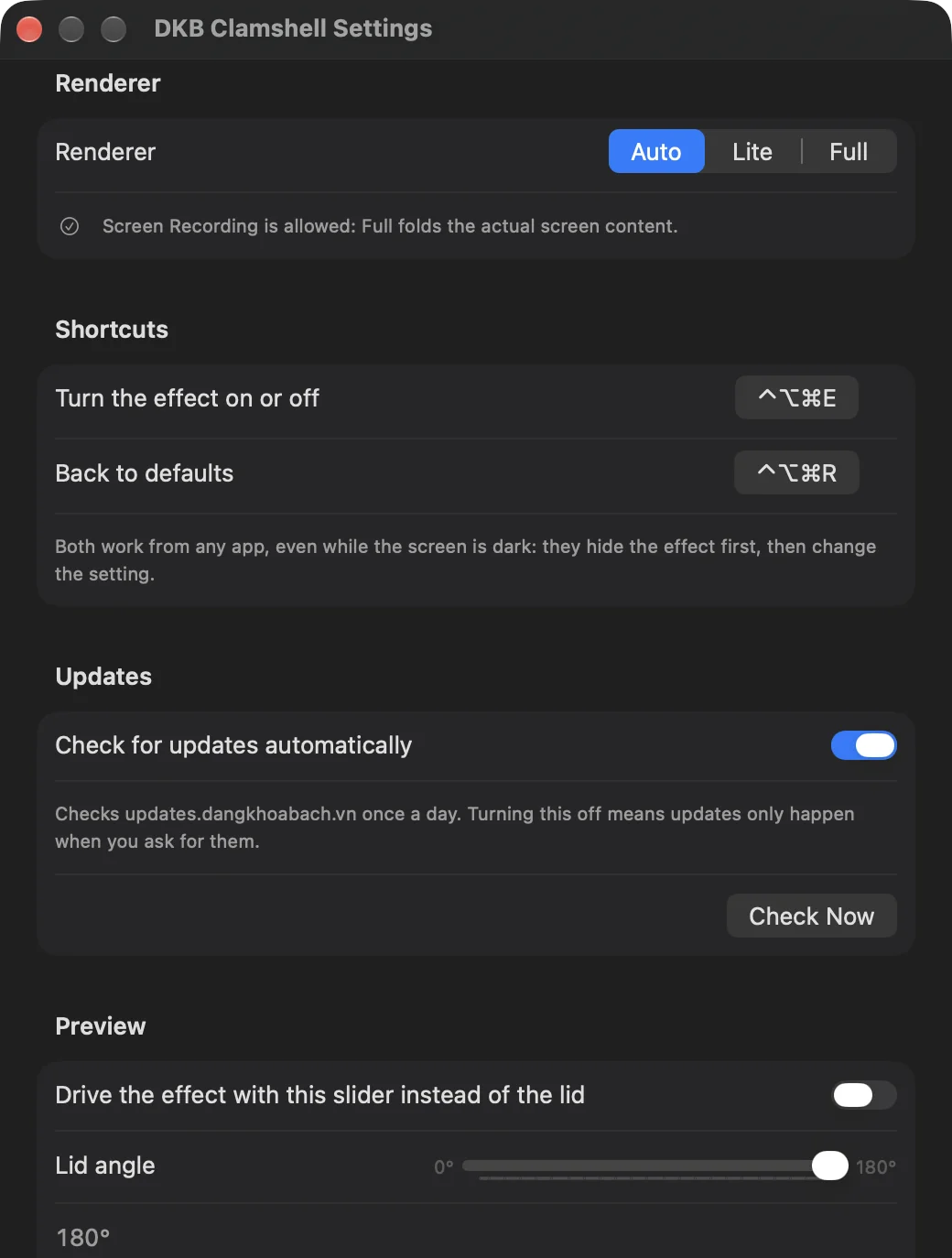
Ctrl+Opt+Cmd+E switches the effect off and Ctrl+Opt+Cmd+R restores the defaults, from any app, even while the screen is dark. Both can be re-recorded. A preview slider drives the effect by hand so you can tune it without closing the lid.

  • Global shortcuts hide the effect first, then change the setting
  • Preview slider from 180° to 0°
  • Sparkle keeps the app up to date
DKB Clamshell: Turn it off from anywhereDKB Clamshell: Turn it off from anywhere

Also in the box

  • Ignores the mouse and keyboard, never gets in the way
  • Works above full-screen apps and on every Space
  • The screen is read only for the second the lid is closing; nothing is stored, nothing leaves your Mac
  • Launch at login
  • MacBooks with the lid angle sensor: 14" and 16" MacBook Pro (2021 and later), MacBook Air M2 and later, MacBook Pro 16" (2019)
  • Only the built-in display; the opening direction plays after you unlock

概要

DKB Clamshell is a small menu bar app for macOS that gives your MacBook the fold transition Apple designed for iPhone Duo. As you close the lid, the picture stays anchored in space while the panel folds under it: the far edge stretches and narrows, blur and shade spread from the hinge outward, and the screen fades to black just before it disappears. Open the lid and it comes back. Nothing is on a timer — every frame follows the lid angle sensor, so a slow close, a normal one and a slam all look right.

Key features

  • Driven by the hinge: reads the MacBook's lid angle sensor at 60 fps with motion smoothing, so the effect starts the moment the lid moves and tracks your hand
  • Two renderers: Full folds the actual screen content (needs the Screen Recording permission), Lite uses the system blur and works without any permission; Auto picks for you
  • Tunable: choose the angle where the fold completes, how strong the blur is and how dark it gets, and preview any lid angle with a slider before you close the lid
  • Panic shortcuts: Ctrl+Opt+Cmd+E turns the effect off and Ctrl+Opt+Cmd+R restores the defaults, from any app, even while the screen is dark — and both can be re-recorded
  • Stays out of the way: no Dock icon, a single menu bar panel with the live lid angle, ignores the mouse and keyboard, works above full-screen apps and on every Space
  • Light, dark or system appearance, English and Vietnamese, launch at login, Sparkle updates
  • Private by design: the screen is read only for the second the lid is closing, nothing is stored and nothing leaves your Mac

Requirements and limits

  • macOS 14 Sonoma or later on a MacBook whose lid angle sensor macOS exposes (recent Apple Silicon models); the app tells you if yours isn't supported
  • Only the built-in display is affected
  • macOS does not let any app draw over the Lock Screen, so the opening direction plays after you unlock

バージョン履歴

ダウンロードできるのは最新バージョンのみです。以前のバージョンは参考として掲載しています。

  1. v1.0.2最新

    New: choose which way the screen folds

    • Settings › Effect › Direction: Top down (the default, as before) or Bottom up — the picture sinks from the bottom edge instead of the top.
    • Works with both the Full and Lite renderers; switching takes effect immediately, even mid-preview.
    • Reset to Defaults puts it back to Top down.
  2. v1.0.1

    Fixes for lids that stop part-way

    • The screen comes back on its own about a second after the lid stops moving, at whatever angle you left it. You no longer have to open it past where it was before.
    • That angle becomes the new resting point: lower the lid further and the fold transition plays again from there.
    • Coming back is now a transition too: the picture flattens out, clears and brightens over a third of a second instead of cutting straight to the desktop.
    • Closing the lid all the way still ends in black and stays that way until the Mac sleeps, so a quick reopen unfolds with the hinge as before.
  3. v1.0.0

    First release

    • Fold transition driven by the lid angle sensor: content stays anchored while the panel folds, with blur and shade graded from the hinge and a fade to black at the end
    • Full renderer (folds the real screen content, Screen Recording permission) and Lite renderer (system blur, no permission), chosen automatically or by hand
    • Settings: end angle, blur, darkness, renderer, preview slider, launch at login, light/dark theme, English and Vietnamese
    • Global shortcuts to turn the effect off (Ctrl+Opt+Cmd+E) or reset it (Ctrl+Opt+Cmd+R), even while the screen is dark
    • Menu bar panel with status, live lid angle and quick toggle
    • Sparkle updates