EasyDock




Window switcher
⌘Tab switches windows, not just apps
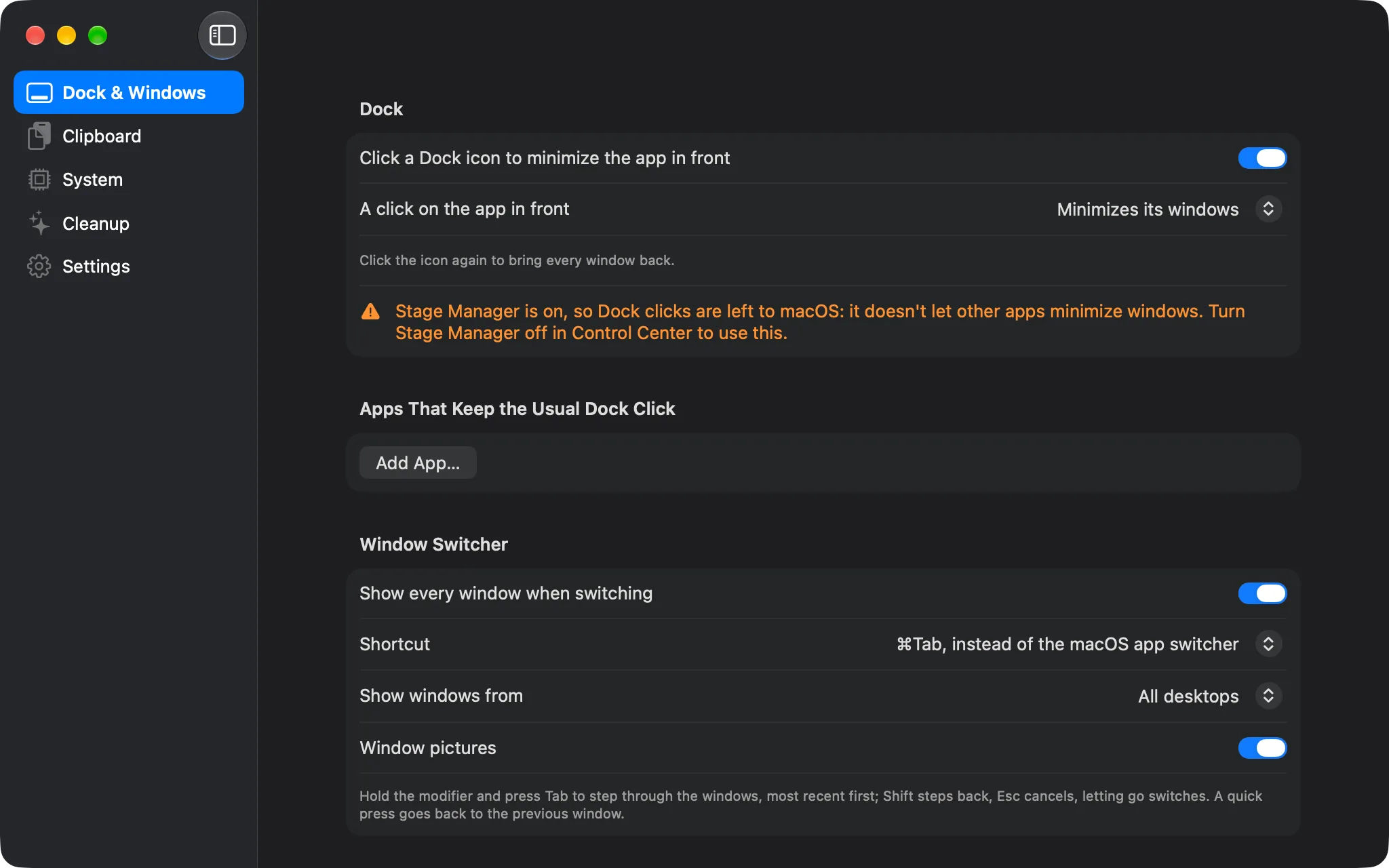
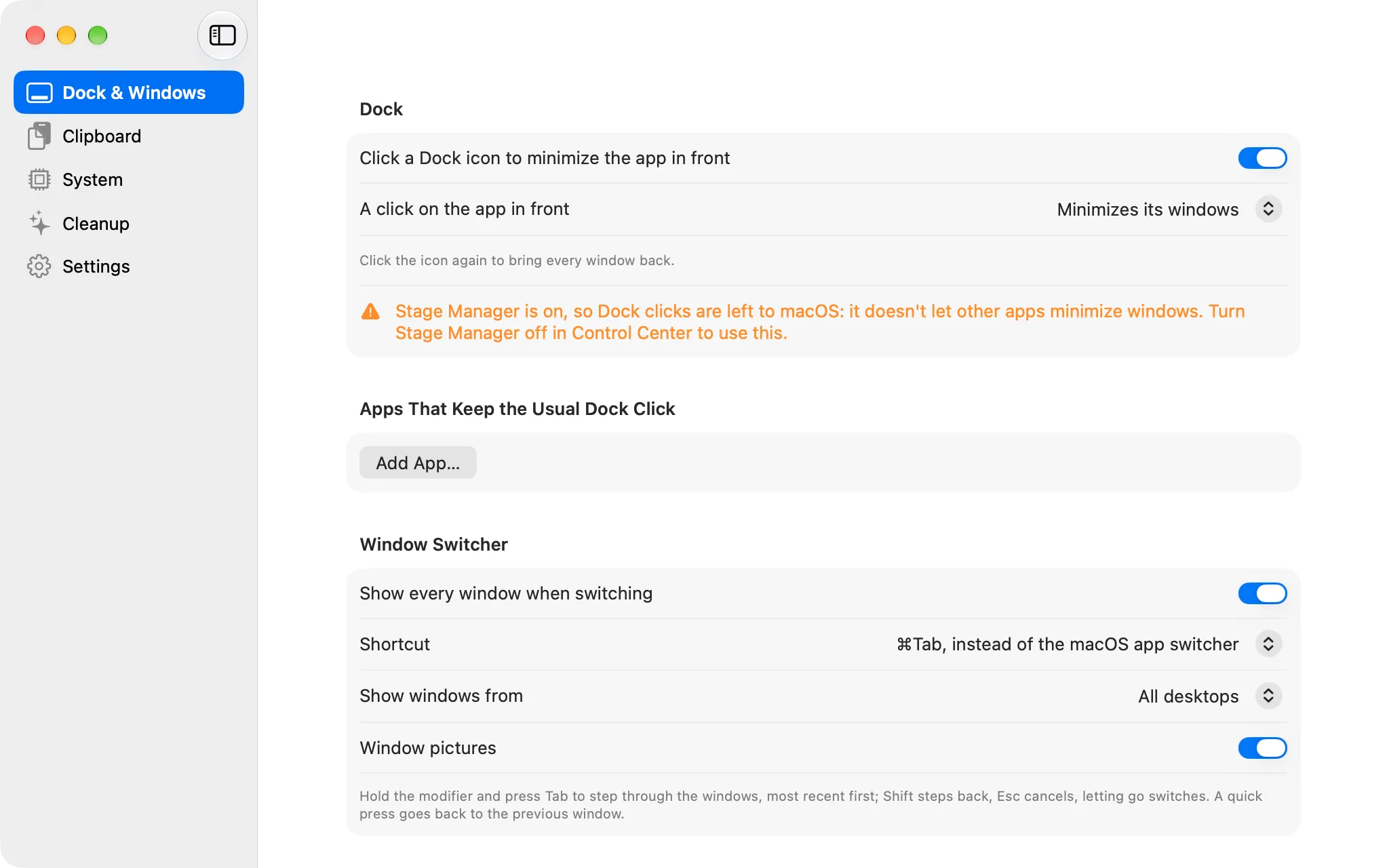
Every window with a picture and its title, most recently used first, including minimized windows and windows on other Spaces. A quick ⌘Tab goes back to the previous window; hold ⌘ to see them all, Tab and the arrows to move, Esc to cancel.
- Windows from every desktop, or only the current one
- A picture of each window, or the app's icon
- ⌥Tab instead, to leave the system's ⌘Tab alone